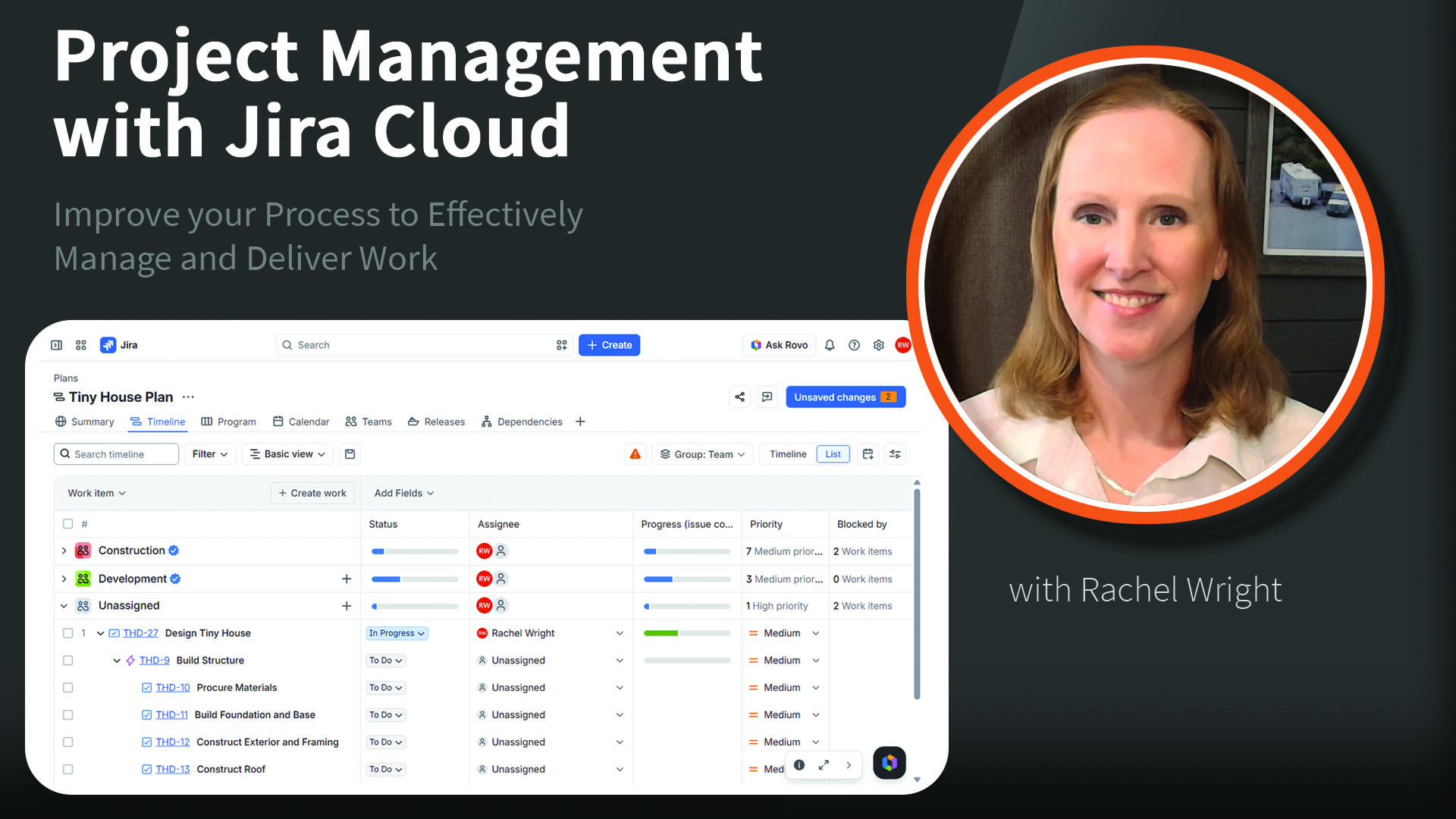
This course shows project managers how to be proactive, plan and schedule work, and stay in control. We’ll use Jira features like backlogs to refine ideas, plans to forecast work, fields to drive meaningful reporting insights, workflows to monitor real-time progress, and automation and AI to reduce manual effort. By adding more structure to your process, you and your team can maintain focus and make decisions with more clarity.
Course Contents
Introduction
- Jira for project managers
- What you’ll build
- Glossary of key terms
- Atlassian account and user model
Course Use Case and Set Up
- Using our scenario
- Setting up a test environment
- Creating spaces for our scenario
- Populating spaces with sample data
Representing and Organizing Work
- Leveraging essential fields
- Editing and formatting information
- Classifying work with types, labels, and components
- Organizing work with hierarchy
- Tracking deliverables with epics
- Challenge: Organizing work
- Solution: Organizing work
Managing and Steering Work
- Managing items through their lifecycle
- Leveraging workflows
- Effectively managing a backlog
- Using sprints and versions
- Measuring effort with estimation
- Comparing estimated and actual effort
Planning and Forecasting with Jira Plans
- Using Jira plans
- Configuring plan options
- Managing dependencies and risk
- Managing team capacity
- Estimating and scheduling work
- Challenge: Creating a plan
- Solution: Creating a plan
Finding Work Fast
- Finding Jira items
- Using basic search
- Using advanced search (JQL)
- Sample JQL queries
- Challenge: Finding information
- Solution: Finding information
Leveraging Reports and Views
- Viewing work progress
- Creating reusable filters
- Board overview
- Viewing status with Kanban boards
- Managing sprints with Scrum boards
- Viewing statistics with dashboards
- Improving visibility with reports
- Exporting work for further analysis
- Challenge: Creating an alerts dashboard
- Solution: Creating an alerts dashboard
Reducing Manual Work
- Building automation flows
- Getting started with Atlassian AI (Rovo)
- Challenge: Creating an alerts automation
- Solution: Creating an alerts automation
Conclusion
- Next steps to continue learning
- Top project management queries (JQL examples)
Take Course
See all Rachel Wright’s Jira and Confluence Courses on LinkedIn